

Microsoft 365 Best Practices and
Optimisation
Get More From What You're Already
Paying For
Most businesses in Adelaide and on the Gold Coast are paying for Microsoft 365 and using about 20% of what it can do. The rest — the security tools, the automation, the collaboration features, the cost savings — is sitting there unused because nobody ever set it up properly. And in the meantime, the gaps in your configuration are quietly making you less secure and costing you money every month.
The truth is, Microsoft 365 out of the box is configured for ease of use, not security. Default settings leave significant gaps that attackers know about and actively exploit. But here’s the thing: fixing them doesn’t require expensive new tools. It requires someone who actually knows what they’re doing to spend a day in your tenant. That’s exactly what Tyto does.
The truth is, Microsoft 365 out of the box is configured for ease of use, not security. Default settings leave significant gaps that attackers know about and actively exploit. But here’s the thing: fixing them doesn’t require expensive new tools. It requires someone who actually knows what they’re doing to spend a day in your tenant. That’s exactly what Tyto does.
.png)


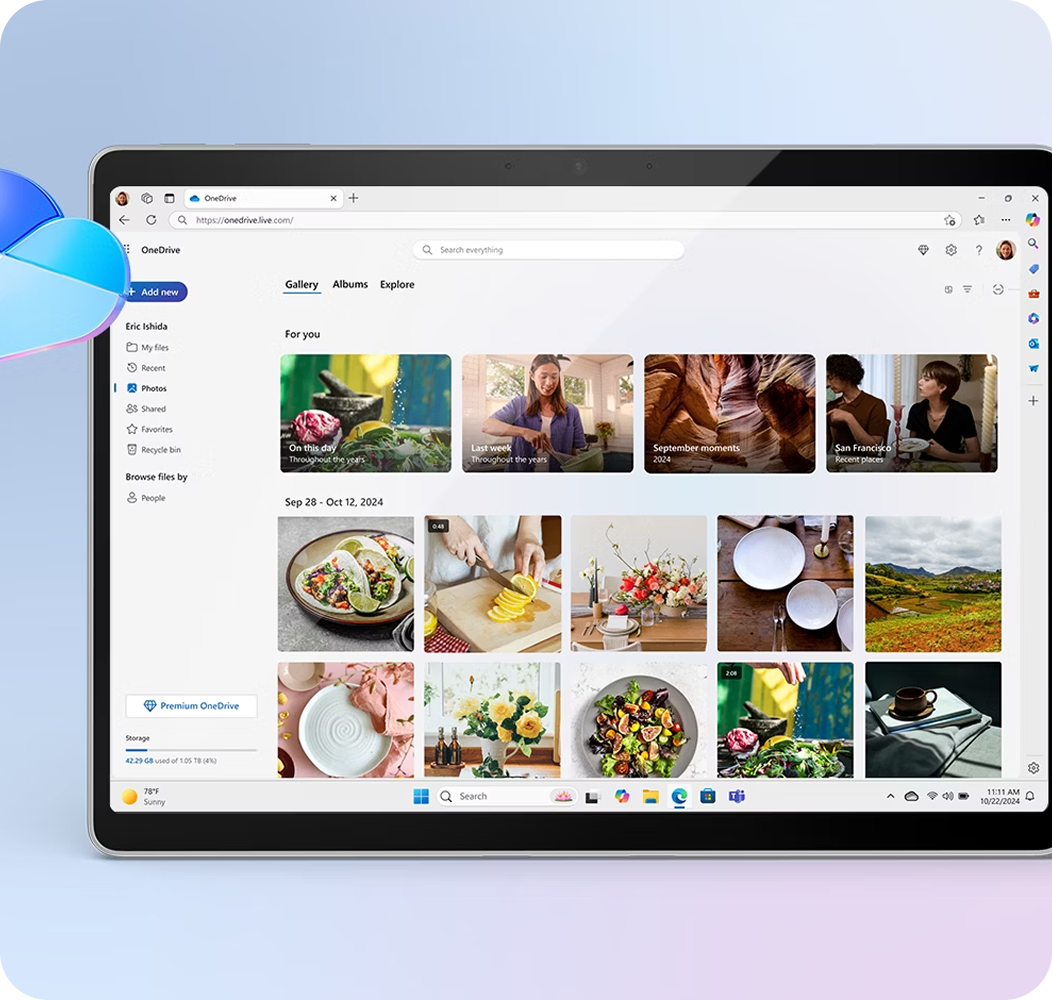

Microsoft 365 Best Practices and Optimisation for Gold Coast and Adelaide Businesses
Tyto's Microsoft 365 Best Practices and Optimisation service is a comprehensive review and realignment of your entire Microsoft 365 environment. We assess your current configuration against Microsoft's own best practice frameworks and industry standards, then implement changes that improve your security posture, reduce unnecessary costs, and unlock features your team didn't know they had.Our optimisation process covers:
Licensing review and right-sizing — we audit every license across your tenant to ensure each user is on the correct plan for their role. No more paying for E3 licenses on users who only need Business Basic, or doubling up on add-ons that are already included in your subscription. We've saved clients hundreds of dollars per month just by aligning licensing to actual need.
Security baseline configuration — implementing Microsoft's recommended security defaults, Conditional Access policies, and identity protection through Microsoft Entra ID. We configure multi-factor authentication (MFA) across all accounts, enforce strong password policies, and set up sign-in risk detection to block compromised credentials.
Email security hardening — configuring Exchange Online Protection, anti-phishing policies, Safe Links, Safe Attachments, and DMARC/DKIM/SPF records to protect your business from email-borne threats.
SharePoint and OneDrive governance — setting up proper sharing policies, access controls, and data classification to prevent accidental or unauthorised exposure of sensitive files.
Microsoft Teams optimisation — configuring Teams policies, guest access controls, meeting settings, and Teams Calling (where applicable) to ensure your collaboration platform is both productive and secure.
Intune device management — enrolling devices into Microsoft Intune for centralised management, compliance policies, application deployment, and remote wipe capability.
Ongoing tenant monitoring — through our Tyto Tenant Management service, we continuously monitor your Microsoft 365 environment against our baseline, apply new recommended features and policies as Microsoft releases them, and conduct quarterly reviews to ensure your tenant stays optimised.

Why It Matters
A poorly configured Microsoft 365 tenant is a security liability and a financial waste. Conversely, a well-configured tenant becomes the backbone of your entire business — secure, efficient, and cost-effective. Tyto’s Microsoft 365 optimisation service bridges the gap between “we have Microsoft 365” and “we’re getting everything we can from Microsoft 365” — for businesses in Adelaide, Gold Coast, and throughout Australia.
Who Is This Right For?
Any business in Adelaide, the Gold Coast, or across Australia that’s been running Microsoft 365 for more than six months without a professional review. If you set it up yourself, inherited it from a previous provider, or haven’t touched the settings since it was installed — there are almost certainly gaps we can close, costs we can reduce, and features you’re not using that could genuinely change how your team works. The question is how big the gap is. We’ll tell you for free.
.png)
.svg)
I've been working with Tyto IT Services since the very beginning of my business journey in 2022. Starting as a solo operator, I needed IT support that was both cost-effective and reliable—and Tyto delivered on both. As our business grew from a one-person operation to a team of 12, the level of service remained exceptional. Every team member has been reliable, proactive, and committed to delivering high-quality outcomes. Adam was never pushy, always patient, and consistently followed up. We’ve confidently referred Tyto to other businesses and trust the team to consistently deliver.

Mina Nguyen
Microsoft 365 Expertise
Let Tyto show you what
your Microsoft 365 can
really do.


©2026 Tyto. All rights reserved.

.png)
.png)