What Is the Essential Eight?
The Essential Eight is a set of eight baseline cyber security strategies developed by the Australian Cyber Security Centre (ACSC) — part of the Australian Signals Directorate — to help organisations protect themselves against the most common cyber threats. It was originally developed for federal government agencies but is now widely adopted across the private sector as the de facto baseline security standard for Australian organisations.
The Eight Strategies Explained
- Application Control — Only allow approved applications to run on your systems. Prevents malicious software from executing even if it reaches a device.
- Patch Applications — Keep all software applications updated and patched. Vulnerabilities in unpatched software are among the most common attack vectors.
- Configure Microsoft Office Macro Settings — Restrict or block macros in Office documents, which are frequently used to deliver malware via email attachments.
- User Application Hardening — Harden web browsers and other user-facing applications by disabling unnecessary features like Flash, Java, and certain browser extensions.
- Restrict Administrative Privileges — Limit administrative access to only those who genuinely need it. Attackers who gain admin credentials can cause significantly more damage.
- Patch Operating Systems — Keep operating systems updated. Critical OS vulnerabilities must be patched within 48 hours; other patches within two weeks.
- Multi-Factor Authentication (MFA) — Require MFA for all users, especially for remote access and privileged accounts. MFA blocks the vast majority of credential-based attacks.
- Regular Backups — Maintain secure, tested backups of critical data and systems. Essential for recovery from ransomware and other destructive attacks.
Essential Eight Maturity Levels
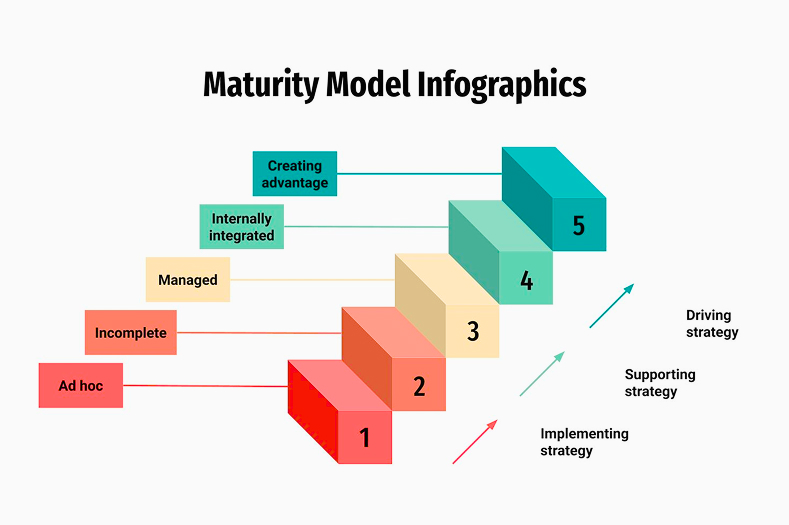
The ACSC defines four maturity levels (0–3) for each strategy:
- Maturity Level 0: The strategy is not implemented or is implemented so poorly it provides no meaningful protection
- Maturity Level 1: Provides basic protection against unsophisticated, opportunistic attackers
- Maturity Level 2: Provides protection against moderately sophisticated, targeted attackers
- Maturity Level 3: Provides protection against sophisticated, persistent attackers (recommended for most organisations handling sensitive data)
For most Australian private-sector organisations, achieving Maturity Level 2 across all eight strategies is the appropriate target.
Is Essential Eight Compliance Mandatory?
Essential Eight compliance is mandatory for all non-corporate Commonwealth entities (federal government agencies). For private-sector organisations, it is not legally mandated — but it is increasingly required by:
- Insurers offering cyber liability policies
- Government contractors and supply chains
- Regulated industries including financial services, aged care, and health
- Clients and procurement processes requiring demonstrated security standards
Implementing the Essential Eight with Microsoft Tools
For organisations running Microsoft 365 and Azure, all eight strategies can be implemented using Microsoft-native tools — specifically Microsoft Defender for Endpoint, Microsoft Intune, Microsoft Entra ID, and the Microsoft 365 security stack. This makes implementation significantly more accessible and cost-effective than deploying separate third-party tools for each strategy.
How Long Does Essential Eight Implementation Take?
Implementation timelines depend on your current maturity level. Organisations starting from Maturity Level 0 can typically achieve Maturity Level 2 within three to six months with professional guidance and a staged approach. The process begins with a maturity assessment to benchmark your current position, followed by a prioritised remediation roadmap.


.svg)







.png)
.png)